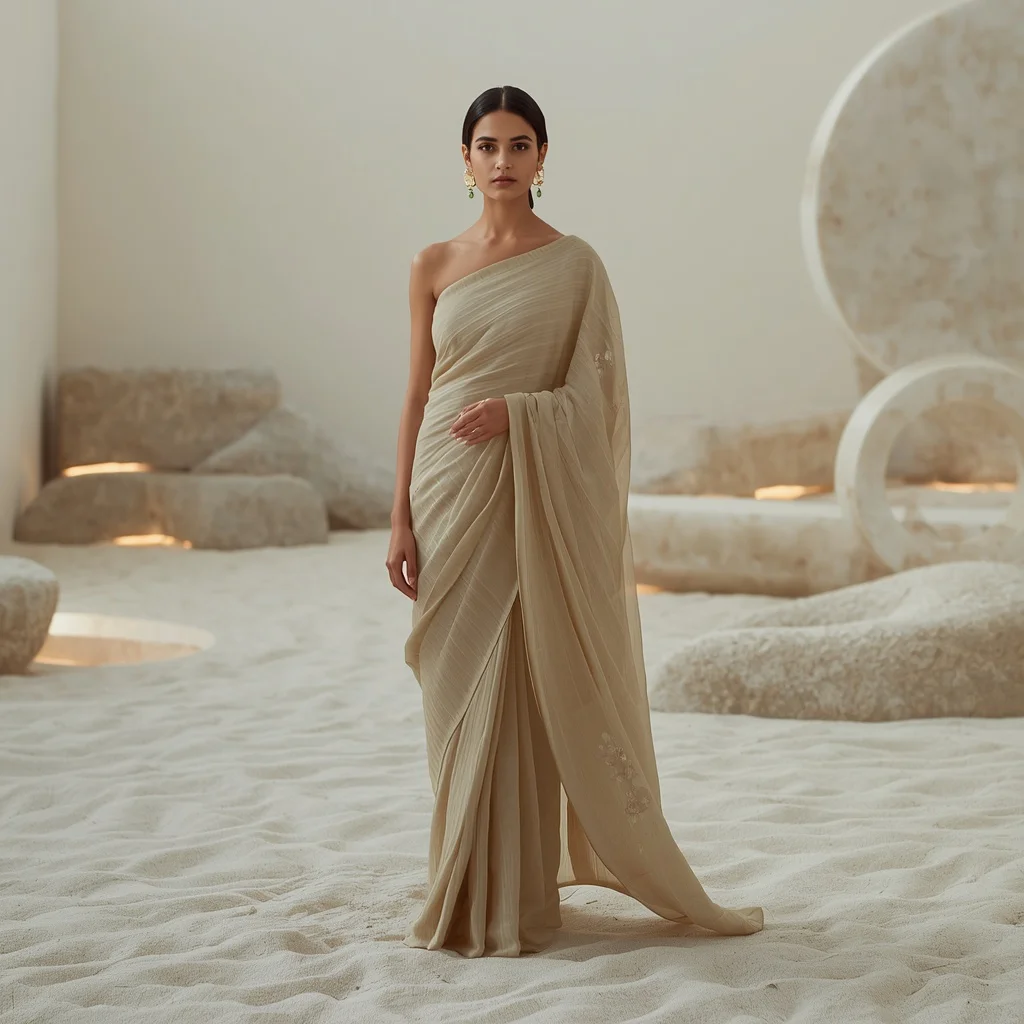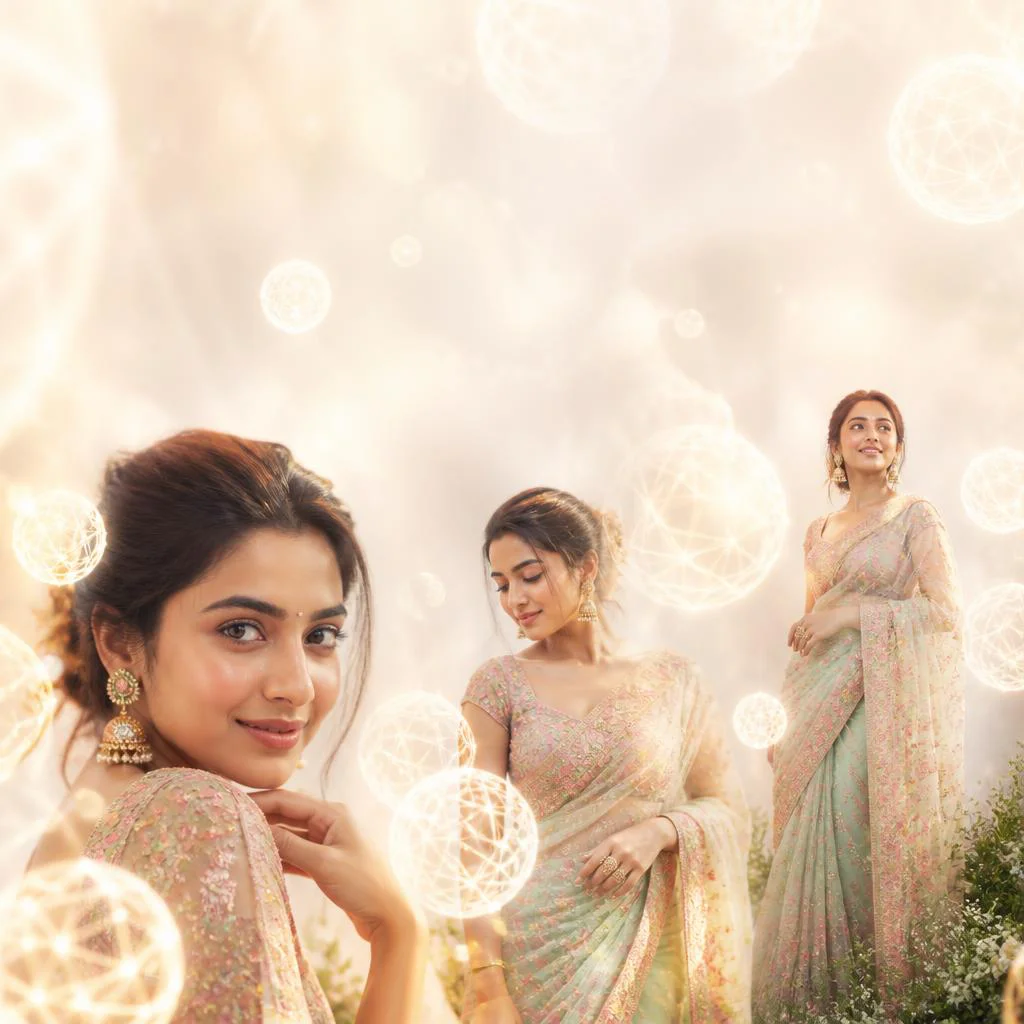




Recreate the elegance of bygone eras with highly detailed AI prompts designed to render historical costumes, classical architecture, and timeless portraits.
Historical portraiture holds a unique fascination, capturing the grace, power, and cultural richness of different eras. Recreating these moments digitally requires a careful balance of authentic costuming, period-accurate architecture, and atmospheric lighting. With the latest AI generation tools, artists and designers can now bypass expensive costume rentals and location scouting to produce stunningly realistic historical figures in period costumes with authentic settings.
The secret to successful historical AI art lies in the specificity of the prompt. From the intricate gold embroidery of a royal Indian lehenga in a grand palace to the structured silhouette of a classic black dress in a luxury hotel lobby, every detail matters. These prompts guide the AI to reference historical aesthetics rather than modern interpretations, resulting in culturally respectful and visually striking imagery.
In this comprehensive guide, we will explore how to craft, refine, and execute prompts that bring history to life. We will look at popular historical and fusion styles, walk through a step-by-step generation process, and highlight the best tools for the job. Prepare to transport your audience to grand libraries, Parisian cobblestone streets, and glowing forest lagoons with these premium prompts.
What Are Women's Historical Figures in Period Costumes with Authentic Settings?
Women's historical figures in period costumes with authentic settings is an artistic genre of digital image generation that focuses on portraying women in clothing, jewelry, and environments that are representative of specific historical eras or cultural traditions. This includes everything from traditional Indian festive wear in royal palaces to classical European fashion in grand hotels or historic Parisian streets.
When generating these images, the AI references vast historical databases of art, photography, and fashion history. By specifying details like 'chunky silver jhumkas,' 'anarkali suit with mirror work,' 'ancient mosaic tiles,' or 'classic chignon hairstyles,' you instruct the AI to construct a scene that feels authentic, detailed, and rich with cultural heritage. This genre is perfect for educational content, historical fiction covers, or premium social media portfolios.
Why Women's Historical Figures in Period Costumes with Authentic Settings Is Trending
This genre is currently trending because of its ability to evoke nostalgia, romance, and a sense of timeless elegance. In a world of fast-paced, modern digital content, historical and vintage aesthetics offer a refreshing escape. Visual platforms like Instagram and Pinterest have seen a massive rise in accounts dedicated to historical fashion, classical art, and heritage tourism.
Additionally, the rise of advanced AI tools has made it incredibly easy to blend historical elements with modern fashion trends. This 'Indo-Western' or 'fusion' style—such as a contemporary lehenga with a crop top or a chic jumpsuit in a fantasy forest—appeals to younger audiences who love celebrating their cultural heritage while embracing modern, global designs. It bridges the gap between the past and the present in a visually stunning way.
Popular Styles You Can Create
With our curated prompt collection, you can explore a diverse array of historical, cultural, and artistic styles. Each style uses unique textures, backdrops, and lighting to create a specific atmospheric mood. Here are some of the popular styles you can generate:
- Glamorous Festive Lehenga: An ultra-realistic portrait of a beautiful Indian woman in an intricately embroidered fuchsia or royal blue lehenga inside an ornate palace.
- Classic Black Dress: A timeless, sophisticated cinematic portrait of a woman in a sleek black dress and pearl jewelry, descending a grand staircase in a luxury hotel lobby.
- Abstract Watercolor Painter Collage: An artistic style depicting a female painter in her sunlit studio, framed by vibrant, fluid watercolor splashes.
- Ancient Mosaic Wise Historian: An intellectual aesthetic featuring a female historian with ancient texts and maps, framed by intricate mosaic tile patterns.
- Magical Indo-Western Jumpsuit: A dreamy, romantic coral pink jumpsuit with lace cut-outs, set in a glowing forest lagoon with ancient rock formations.
- Glamorous Parisian Model: A high-fashion cinematic portrait of a model walking down a cobblestone street in Paris near the Eiffel Tower at dusk.
- Trendy Festive Carnival Outfit: A joyous, energetic pose featuring a peacock blue anarkali suit with mirror work, set in a bustling, globally inspired carnival parade.
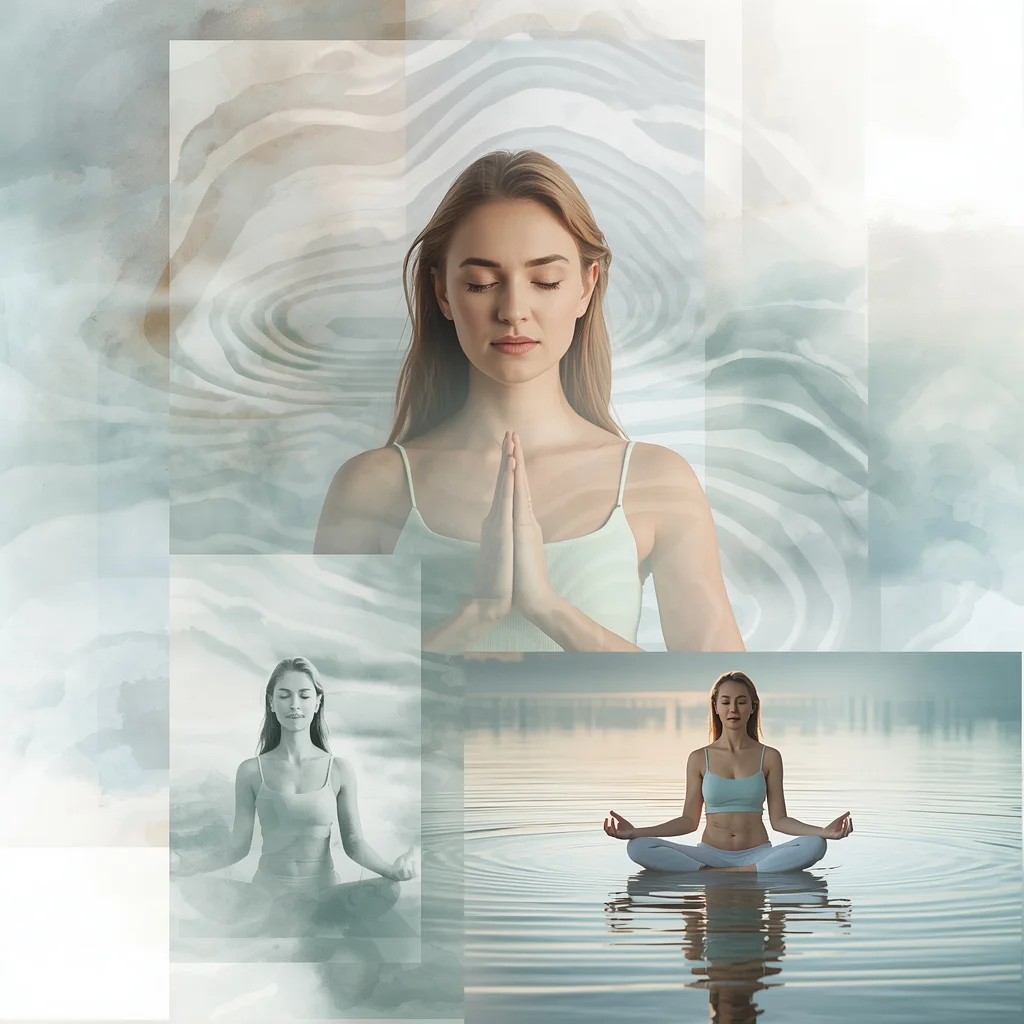
- Watercolor Ripple Meditator: A serene, calm collage featuring a female meditator by a water body, framed by soft watercolor ripple patterns.
- Contemporary Lehenga Style: A modern interpretation of traditional wear featuring a pastel-shaded crop top and flowing skirt with minimalist fusion jewelry.
- Indian Couture Mirror-Work Ensemble: A striking 'Mirror Glare' pose featuring a bespoke crop top and voluminous skirt covered in a kaleidoscopic mirror-work pattern.
How to Use Women's Historical Figures in Period Costumes with Authentic Settings
To successfully generate these historical and cultural portraits, you need to follow a structured approach that ensures the AI captures both the character and the environment accurately. Simply pasting a generic prompt can lead to mixed results, so customizing the details is essential for achieving a high-quality, professional finish.
First, decide on the era or cultural theme you want to depict. Once you have chosen your theme, you can modify the specific details of the costume, jewelry, hair, and setting to create a unique narrative. Let's look at a 7-step guide to help you use these prompts effectively in your creative projects.
- Select Your Theme: Choose a historical, modern-fusion, or artistic prompt from our list that fits your creative vision.
- Refine the Costume Details: Customize the fabric, embroidery style, and colors (e.g., swapping fuchsia for emerald green or royal blue).
- Specify the Ornaments: Add traditional jewelry descriptions, such as 'chunky silver jhumkas,' 'pearl necklaces,' or 'minimalist fusion jewelry.'
- Define the Backdrop: Ensure the environment is authentic, whether it is an ornate palace interior, a grand library, or a Parisian cobblestone street.
- Choose Your AI Tool: Copy your finalized prompt and prepare to paste it into your chosen image generation platform.
- Configure Generation Settings: Set the aspect ratio (e.g., 16:9 for cinematic landscapes, or 9:16 for mobile-friendly portraits) and resolution.
- Generate and Enhance: Run the prompt, select the best variation, and use upscaling or inpainting tools to perfect the details and textures.
What Kind of Base Photo Works Best?
If you are using an image-to-image workflow, where you feed a base photo into the AI along with your text prompt, selecting the right starting image is crucial. The base photo acts as a structural guide for the AI, helping it map the historical costumes and settings onto the subject's form accurately.
The ideal base photo should feature clear, high-contrast lighting and a clean, uncluttered background. A studio portrait with a solid gray or white backdrop works best. The subject should have a clear, defined pose with minimal clothing coverage if you want the artistic body paint or intricate gown patterns to wrap naturally around the contours of the body. Avoid busy backgrounds, as the AI may struggle to separate the subject from the environment, leading to messy blended textures.
Which AI Tools Deliver the Best Results?
There are several advanced AI tools available today that can translate these highly descriptive prompts into stunning visual masterpieces. Each tool has its own strengths, rendering styles, and user interfaces. Depending on your specific needs, you can paste the prompt into any of the following industry-leading platforms:
| AI Tool | Best For | How to Use |
|---|---|---|
| Midjourney | Photorealistic textures, cinematic lighting, and artistic styling. | Paste the prompt into the Discord bot interface and append your desired aspect ratio parameters. |
| Flux | Excellent text rendering, sharp details, and complex anatomical accuracy. | Paste the prompt directly into any Flux-supported web interface or API wrapper. |
| Leonardo | Custom fine-tuned models, precise pose control, and easy inpainting. | Use the image generation panel, select a photorealistic model, and paste the prompt. |
| ChatGPT | Prompt expansion, creative brainstorming, and conceptual variations. | Ask the model to expand or modify these prompts before pasting them into your image generator. |
| Gemini | Quick image generation and alternative stylistic suggestions. | Paste the prompt into the chat interface to generate quick visual concepts and variations. |
Pro Tips
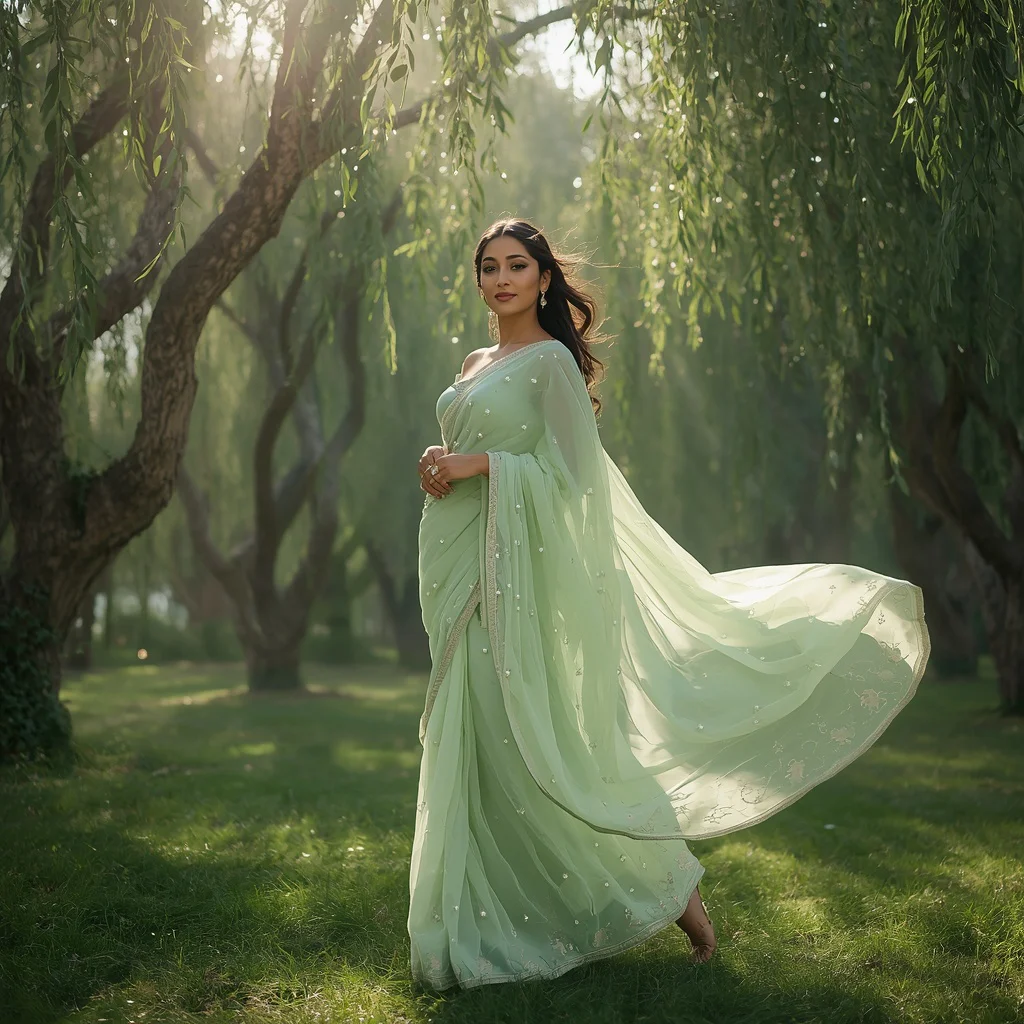
To truly master this genre and produce images that look like they were shot by a professional fashion photographer, keep these expert tips in mind. First, pay close attention to lighting modifiers. Using terms like 'golden hour sunlight,' 'volumetric lighting,' or 'soft ambient twilight lighting' can completely transform the mood and depth of your image.
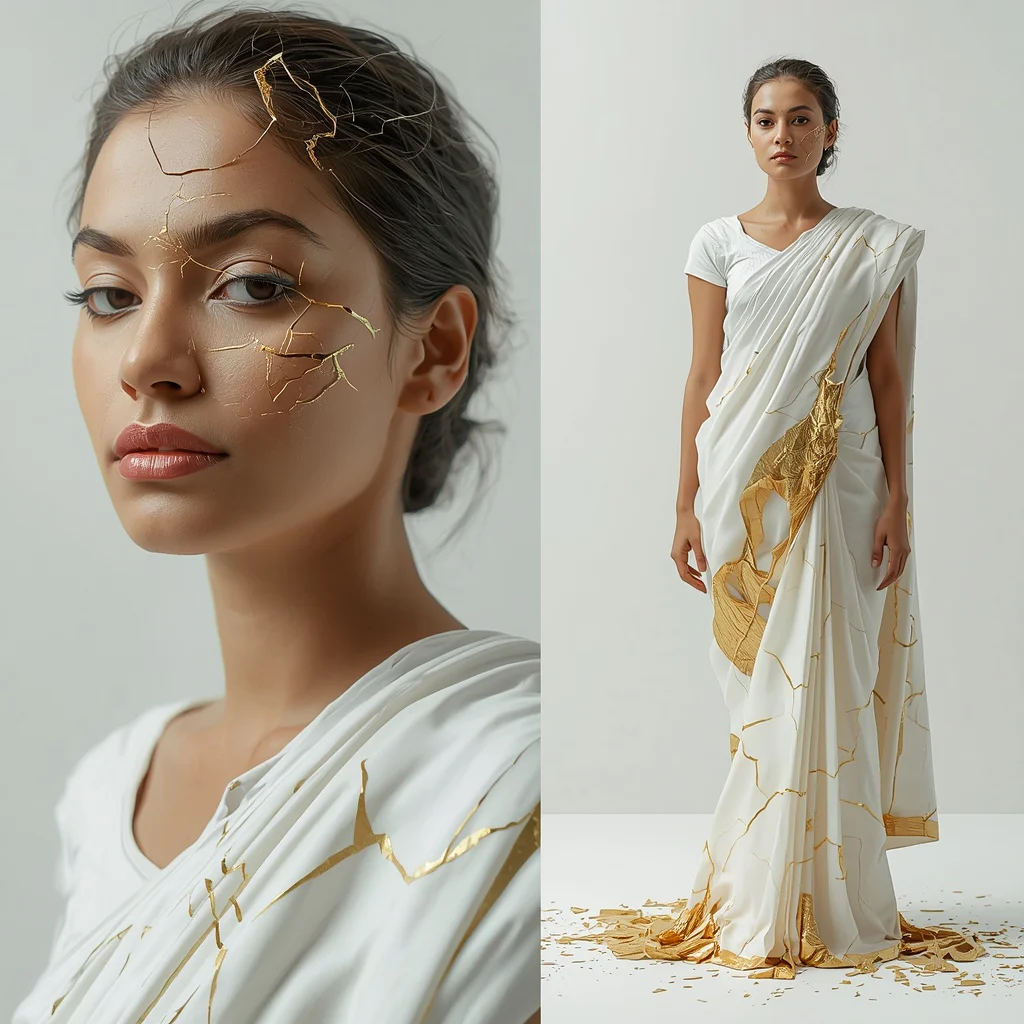
Second, leverage the power of framing. Multi-frame collages are highly engaging because they tell a story from multiple angles—such as a close-up of a feathered headband, a detail shot of hands, and a full-body stance. Finally, don't shy away from using high-fashion terminology like 'couture,' 'avant-garde,' 'bespoke,' and 'statuesque pose' to instruct the AI to generate premium, high-end aesthetics rather than generic stock-photo looks.
Common Issues and Quick Fixes
Even with highly detailed prompts, you may occasionally run into issues during the generation process. This is a natural part of working with generative AI. Understanding how to troubleshoot these common problems will save you time and help you achieve the perfect image faster.
| Common Issue | Root Cause | Quick Fix |
|---|---|---|
| Distorted or extra limbs | Complex poses or multi-frame collage layouts can confuse the AI's spatial understanding. | Simplify the pose description or use the inpainting tool to regenerate only the distorted area. |
| Color bleeding or muddy tones | Conflicting color descriptions in the prompt (e.g., mixing too many vibrant colors). | Limit your color palette to two or three dominant tones (e.g., 'gold, black, and ivory'). |
| Loss of fabric detail | Low resolution rendering or lack of texture-specific keywords. | Add descriptive words like 'intricate mirror work,' 'heavy embroidery,' or 'shimmering crystals' and upscale the image. |
Frequently Asked Questions
How do I ensure historical accuracy in the generated costumes?
To maximize historical accuracy, use precise terminology in your prompts, such as '19th-century Victorian gown,' 'traditional festive lehenga choli,' or 'classic black dress with an elegant chignon.' Pasting these detailed prompts into tools like Midjourney or Flux will help the model reference correct historical datasets.
What lighting prompts work best for vintage-style portraits?
For vintage-style portraits, utilize atmospheric lighting cues such as 'volumetric lighting from opulent chandeliers,' 'soft golden hour lighting blended with early evening twilight,' or 'sunlit studio light.' These modifiers add depth and a classic, cinematic quality to the final image.
Can I blend modern fashion with historical elements?
Yes! Blending modern and historical elements is a popular trend. You can use prompts that combine traditional attire with modern cuts, such as an 'Indo-Western jumpsuit in a glowing forest lagoon' or a 'contemporary lehenga style with minimalist fusion jewelry' to create unique, eye-catching fusion art.
Conclusion
Generating women's historical figures in period costumes with authentic settings using AI is an incredibly rewarding process. By combining structured prompts with advanced generative tools, you can create breathtaking, high-fashion imagery that captivates your audience. Remember to experiment with different styles, colors, and framing techniques, and use our troubleshooting guide to refine your results. Paste these prompts into your favorite AI tool today and unlock a new world of digital creativity!